Question
How can I download a Company Profile?
Answer
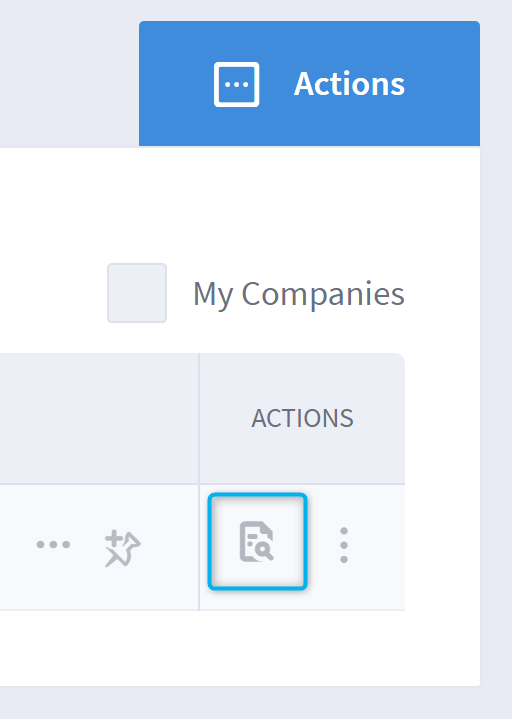
If you wish to download a PDF of all information available within the full Company Profile, you can do this via the Companies page:
- Click on the Company name to expand and view a preview.
- Select the ‘download’ icon located to the right of the ‘See Full Profile’ button.
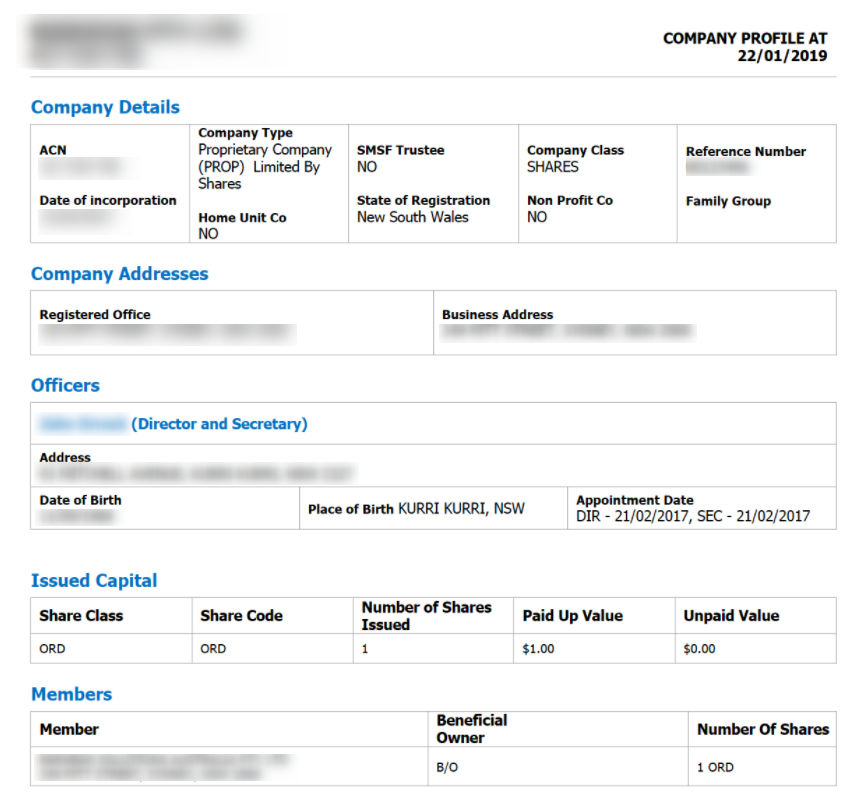
Example of the downloaded Company Profile
You can also do this from within the Company Profile by selecting the ‘download’ icon located at the top right of the screen.